
STEM Genius Coding Classes
Elite Coder • Python • Roblox Studio
Build real coding skills through a structured progression—from strong computational-thinking foundations to text-based Python and Roblox Studio game creation.
Lessons focus on logic, debugging, problem-solving and creating projects, not simply following instructions.
Coding trial classes cost S$45 for 90 minutes. Contact us to check programme suitability and availability.

Structured learning • Real projects • Clear progression
Understand the programmes, locations and introductory class before choosing a pathway.
Elite Coder using CodeMonkey, text-based Python programming and Roblox Studio game creation with Lua/Luau.
No. We recommend a suitable starting point based on your child’s age, prior experience and confidence.
Weekly classes are available at our Chong Pang/Yishun and Clementi centres.
Coding trial classes cost S$45 for 90 minutes across Elite Coder, Python and Roblox Studio. Contact us to check programme suitability and availability.
All equipment provided: no laptop or robotics kit purchase needed.
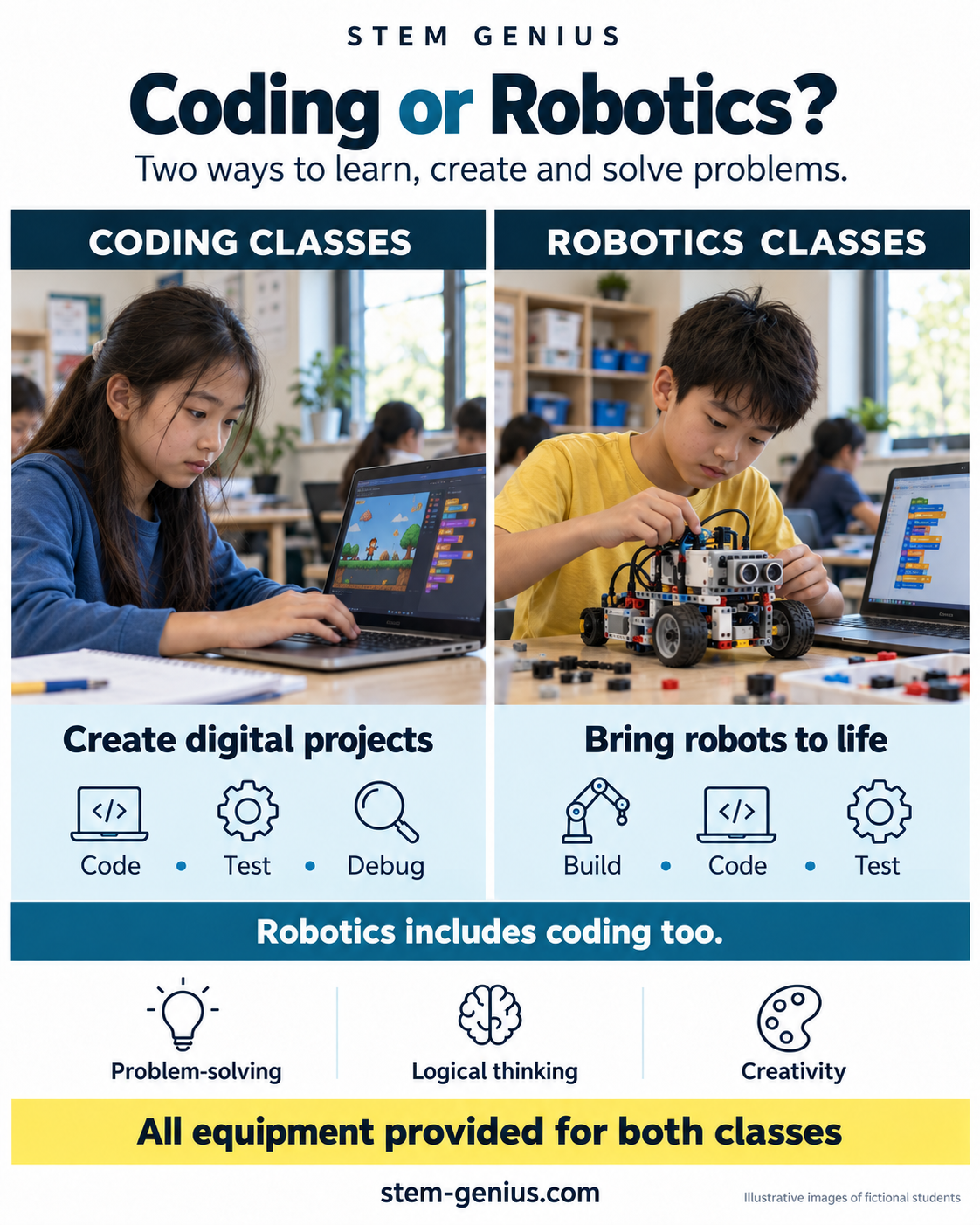
Coding classes: Children create digital projects while learning programming logic and debugging.
Robotics classes: Children build and programme physical robots, exploring motors, sensors and mechanisms. Robotics includes coding too.
Both develop problem-solving, logical thinking and creativity.
All equipment provided. We provide all equipment needed for our coding and robotics classes. Your child does not need to bring a laptop or purchase a robotics kit.
Each pathway develops problem-solving and computational thinking, but the learning experience is different. Choose based on your child’s current level and interests.

Coding Foundations
Our Elite Coder pathway uses CodeMonkey to develop computational thinking, logic, sequencing, debugging and problem-solving through a structured progression.
Students learn to understand why code works, identify mistakes and improve their solutions rather than simply copying an answer.
Good fit for: Elite Coder Junior suits ages 5–8; Elite Coder suits ages 8–16. Lessons run for 90 minutes, with S$45 90-minute trial classes. Progress through coding fundamentals, intermediate coding and advanced coding according to readiness.
Text-Based Programming
Students progress into Python and learn concepts such as variables, conditions, loops, functions and debugging through practical exercises and mini-projects.
Our emphasis is on understanding code, breaking problems into smaller steps and applying programming concepts independently.
Good fit for: Basic Python suits ages 8+; Advanced Python suits ages 9+. Both are taught using CodeMonkey in 90-minute lessons, with S$45 90-minute trial classes. Placement depends on experience and readiness.

Game Development
Turn an interest in games into creation skills. Students design 3D environments and learn scripting with Lua/Luau while developing logic, creativity and debugging skills.
Projects give students a visible outcome they can test, improve and share.
Good fit for: students aged 8+ interested in game creation, interactive worlds and project-based learning. Each lesson is 90 minutes; a S$45 trial class is also 90 minutes.
Students learn concepts, apply them in challenges and develop their own projects. Understanding code also helps them question and test AI-generated answers. See how we teach.
Understand core concepts through clear explanations, examples and guided practice.
Use what was learned to solve increasingly challenging coding tasks.
Build projects, experiment with ideas and make decisions instead of only following steps.
Move into advanced coding, certification, competitions or DSA-related portfolio development when appropriate.
Yuzhi shares how building and coding robots, practising Elite Coder challenges and receiving teacher guidance helped him develop his skills. He also describes learning teamwork and progressing in coding, including Python.
Student story: Winning Together: Yuzhi’s Robotics Journey with STEM Genius · 50 seconds. Shared with parent permission. Watch Yuzhi’s story on YouTube.
Every student’s pathway depends on their interests, experience and readiness. STEM Genius offers coding classes in Chong Pang/Yishun and Clementi. View our centre locations and contact details, or ask us about a suitable starting point.

Parents should be able to see a clear learning pathway, credible teaching experience and opportunities for students to progress beyond weekly lessons.
A structured STEM learning environment with an emphasis on hands-on problem-solving and progression.
Experience built across academy classes, holiday programmes and external enrichment over five years.
STEM Genius students have achieved Top-20 results in Code Olympiad as well as strong robotics competition outcomes.
Students can progress towards certification, competitions and DSA-related portfolio development where suitable.
As skills develop, students can explore Elite Coder and Python certification pathways, competition preparation, or DSA-related portfolio development. Each school decides admissions independently; outcomes are not guaranteed.
Prefer building physical systems? Explore robotics classes.
Common questions from parents choosing a coding programme.
No. STEM Genius provides all equipment needed for our coding and robotics classes. Your child does not need to bring a laptop or purchase a robotics kit.
Coding classes focus on creating digital projects while learning programming logic and debugging. Robotics classes combine building physical robots with programming their behaviour, using motors, sensors and mechanisms. Robotics includes coding too.
Both develop problem-solving, logical thinking and creativity.
The best starting point depends on age, previous experience and interests. Elite Coder is suitable for building structured foundations, Python is for students ready for text-based programming, and Roblox Studio is ideal for learners motivated by game creation. Contact us and we can recommend a suitable starting point.
No. STEM Genius does not currently offer Scratch classes. Our coding pathways include Elite Coder using CodeMonkey, Python and Roblox Studio with Lua/Luau.
No. Beginners can start with an appropriate pathway, while students with prior experience can be placed at a level that gives them enough challenge.
Elite Coder develops structured coding foundations and computational thinking. Python focuses on text-based programming concepts. Roblox Studio combines 3D game creation with Lua/Luau scripting and project-based learning.
Weekly classes are available at STEM Genius centres in Chong Pang/Yishun and Clementi.
S$45 for a 90-minute introductory class. If your child enrols in regular classes within 7 days, the S$45 is offset against the first month’s fees.
Coding skills, projects, certifications and competition experience can contribute to a broader STEM or Infocomm portfolio, depending on the school and DSA domain. DSA selection is decided independently by each school and is never guaranteed.
Tell us your child’s age, coding experience and interests. We’ll recommend a suitable starting point and explain the next available class options.